From YouTube
Turn any YouTube workout into a follow-along timer
Paste a link, or search YouTube inside the app. Zestimer watches the video, spots the moves, times the sets, and hands back a workout that runs itself — no pausing, no scrubbing back to catch what you missed.
From YouTube
Turn any video into a workout
Search YouTube right in the app, tap a video — Zestimer watches it, spots the moves, times the sets, and hands you a workout that runs itself. No pausing, no scrubbing back.
From YouTube
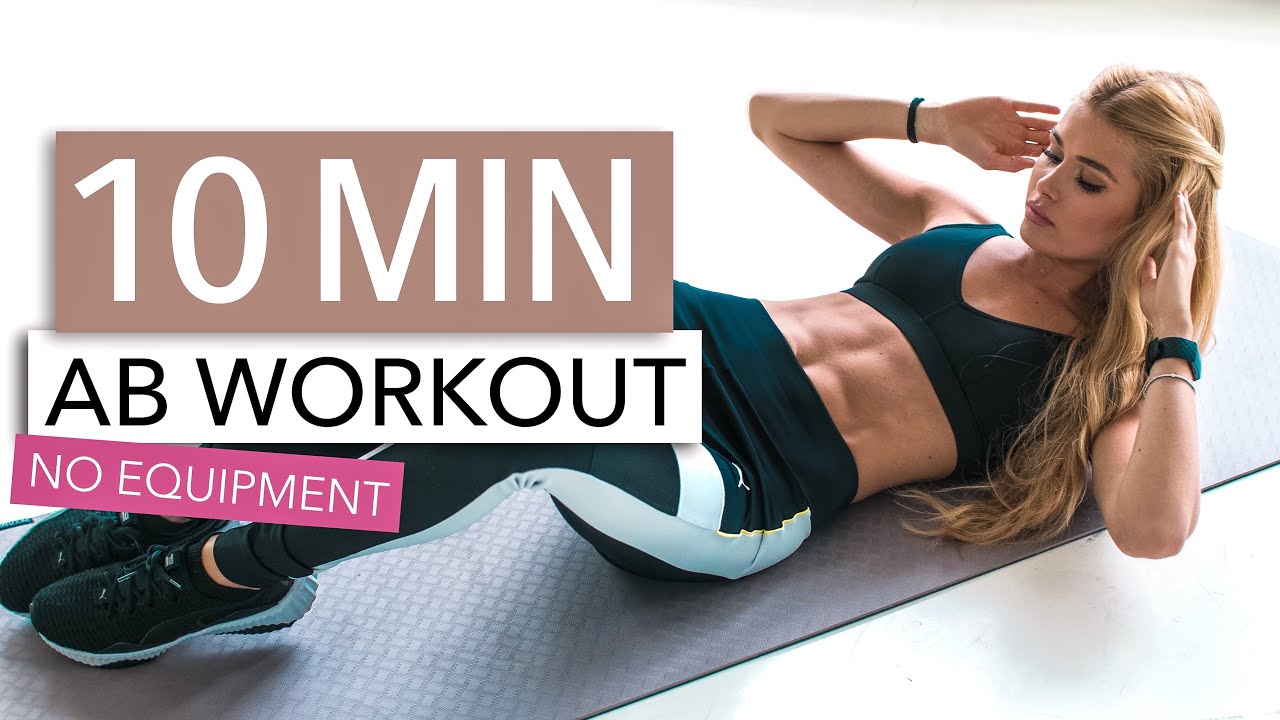
Pamela Reif 10-Minute No-Equipment Ab Workout
20 exercises · 10:00 · Core · Circuit · Quick
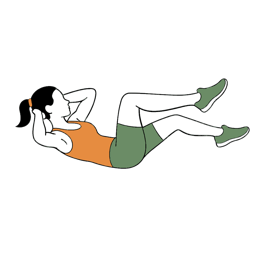
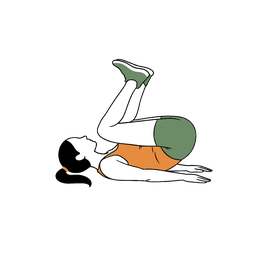
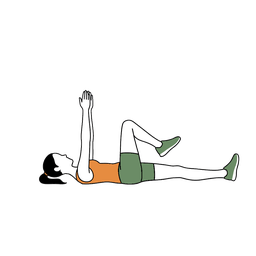
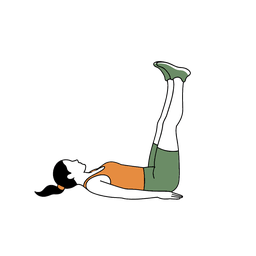
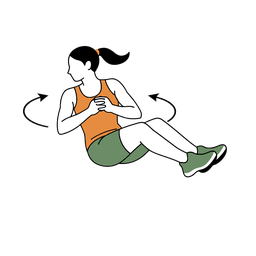
Circuit 1
Bicycle Crunches
00:30Reverse Crunches
00:30Supine Alternating Leg Extensions
00:30Leg Raises
00:30Russian Twists
00:30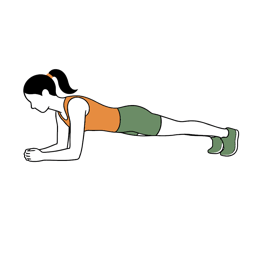
Plank
00:30+ 14 more moves
The video stays credited on the workout — one tap back to the creator.
How it works
Three taps, then follow along
- 1
Paste a link, or search in the app
Copy a YouTube URL and paste it into Zestimer, or search YouTube without leaving the app. Shorts and full-length videos work the same way.
- 2
Zestimer watches it
It spots each exercise, times the sets, and lays the session out as circuits — every move named, every interval given a length.
- 3
Follow the dial
The workout runs itself: a countdown for every move, the next one called out loud, rests announced. Your screen stays awake, and the session mirrors to your Apple Watch.
What you get
A workout, not a bookmark
The creator keeps the credit
The video stays on the workout, one tap away — this is a way to follow along with what a channel already made, not a way to launder it.
Yours to adjust
Stretch a 30-second set to 45, or drop a move you would rather skip. The converted workout is an ordinary Zestimer workout once it lands.
Saved to your library
Run it again next week without going back to find the video — the reason a folder of saved workout videos so rarely turns into a routine.
Handled quietly
Voice cues, beeps and haptics. Apple Music and Spotify keep playing. Apple Health and iCloud stay in sync.
Converting YouTube videos is part of Zestimer Pro, which starts with a free trial. The timer, the exercise library and the ready-made routines are free — see what each plan includes.
Frequently asked questions
- Does it work with YouTube Shorts?
- Yes. Paste a Shorts link or a full-length video and both come back as guided, timed routines.
- Do I have to keep the video playing?
- No. Zestimer rebuilds the session as its own timed workout, so you follow the countdown rather than the video — no pausing, no scrubbing back. The video stays linked on the workout if you want to check a movement.
- Which workout videos work best?
- Videos that move through named exercises at a steady pace: HIIT and Tabata circuits, stretching and mobility routines, bodyweight sessions. A video with no repeating structure gives the timer less to hold on to.
- Can I change the timings afterwards?
- Yes. Every move and every rest is editable once the workout lands in your library, so you can lengthen a set, shorten a rest, or drop a move entirely.
- Does the creator still get credit?
- Yes. The video stays credited on the workout, one tap back to the channel it came from.
- Is turning YouTube videos into workouts free?
- The interval timer, the illustrated exercise library and the ready-made routines are free. Converting YouTube videos is part of Zestimer Pro, which starts with a free trial.
- Does it work on Apple Watch?
- Yes. A converted workout mirrors to the Apple Watch like any other Zestimer session, with the timer and haptics on your wrist.
Keep reading
- Free interval timerWork, rest and rounds in your browser — no download, no account.
- HIIT work-to-rest ratiosWhat the common ratios are for, and how to pick one that matches the session.
- What Tabata actually isThe protocol behind the word, and where the popular version drifted from it.
- Ready-made routinesBuilt sessions to run today, if you would rather not convert anything.
Bring your own video.
The channel you already follow, rebuilt as a session that counts itself down.
Get Zestimer